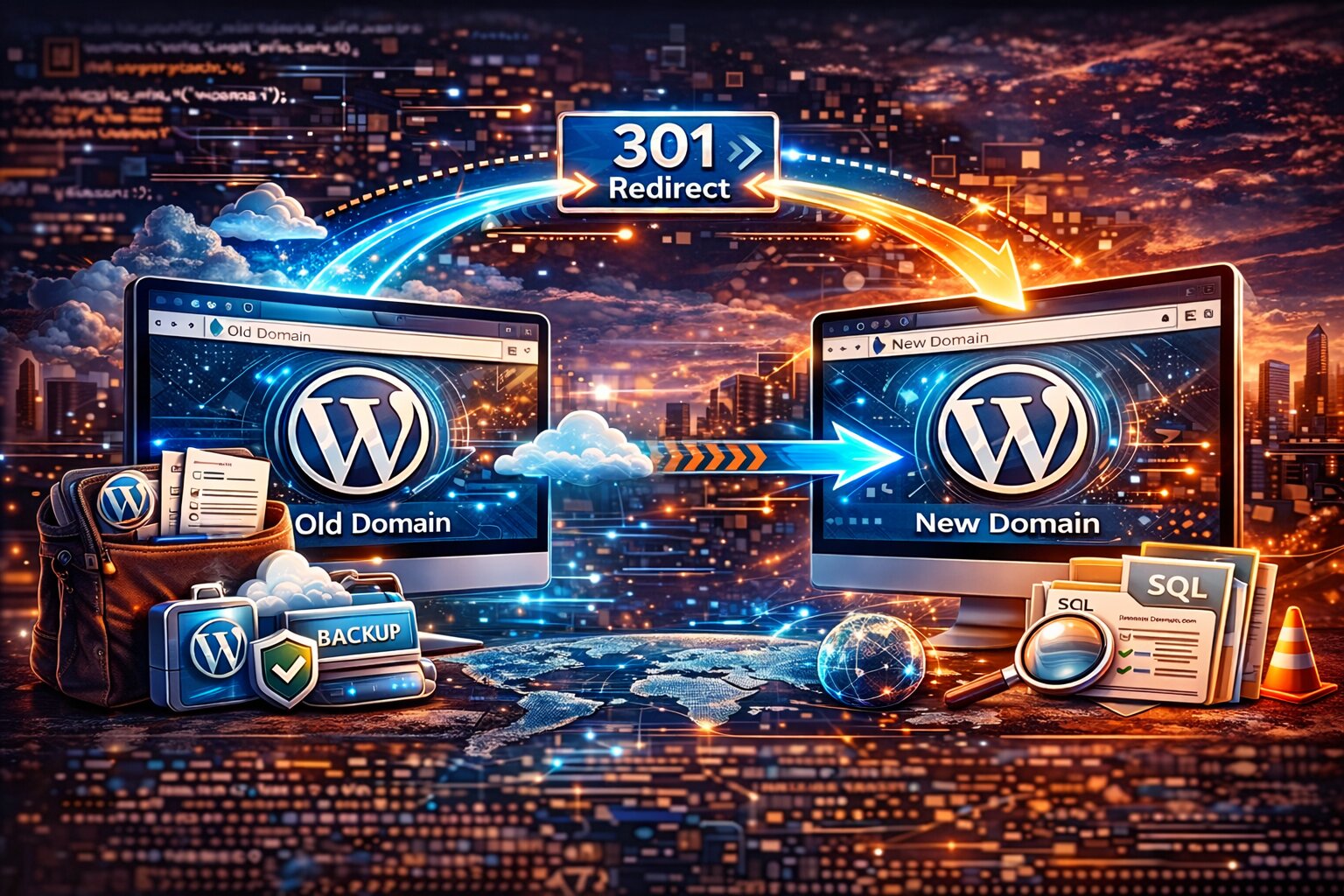
Migrating a WordPress website to a new domain can be a challenging task if not handled correctly. Improper migrations can cause broken links, lost traffic, and SEO issues.
The first step in a safe migration is creating a complete backup of the website including files and the database.
After backing up the website, the database URLs need to be updated to match the new domain. This process must be performed carefully because WordPress stores data in a serialized format.
Important migration steps include:
Backing up the full website
Updating database URLs safely
Setting up proper redirects
Updating internal links
Testing the website after migration
After the migration is complete, setting up 301 redirects ensures that search engines transfer ranking signals from the old domain to the new one.
Proper WordPress migration helps preserve SEO performance and ensures a smooth transition for users.